



Logging In
How to create your PiTrade account, verify your email, choose a username, sign in, and reset your password if you forget it.
Overview
Everything you do in PiTrade starts with your account. This article covers creating a new account (signing up), verifying your email with a code, choosing a username, logging in day to day, and resetting your password if you ever forget it. If PiTrade prompts you for an extra verification code when you log in, that's your two-factor security - see the Security & Authentication article for more on that.
Before you begin
- An email address you can open right away (you'll receive a verification code)
- A password you'll remember, meeting these rules: at least 8 characters, with one lowercase letter, one uppercase letter, one number, and one special character
- A username idea (at least 4 characters)
Steps
Creating a new account
-
Open PiTrade. The first screen is Sign Up, headlined "Stop picking Stocks - Start building Portfolios." Tap Get Started.

Sign Up screen with Get Started button -
On the Choose a Username screen, type the username you'd like (for example
john99). It must be at least 4 characters. Tap Continue. If the username is already taken, you'll be asked to pick another. -
On the Email & Password screen, enter your Email Address and create a Password. As you type your password, PiTrade shows a live checklist so you can see each requirement met. Tap the eye icon in the password field if you want to see what you typed.
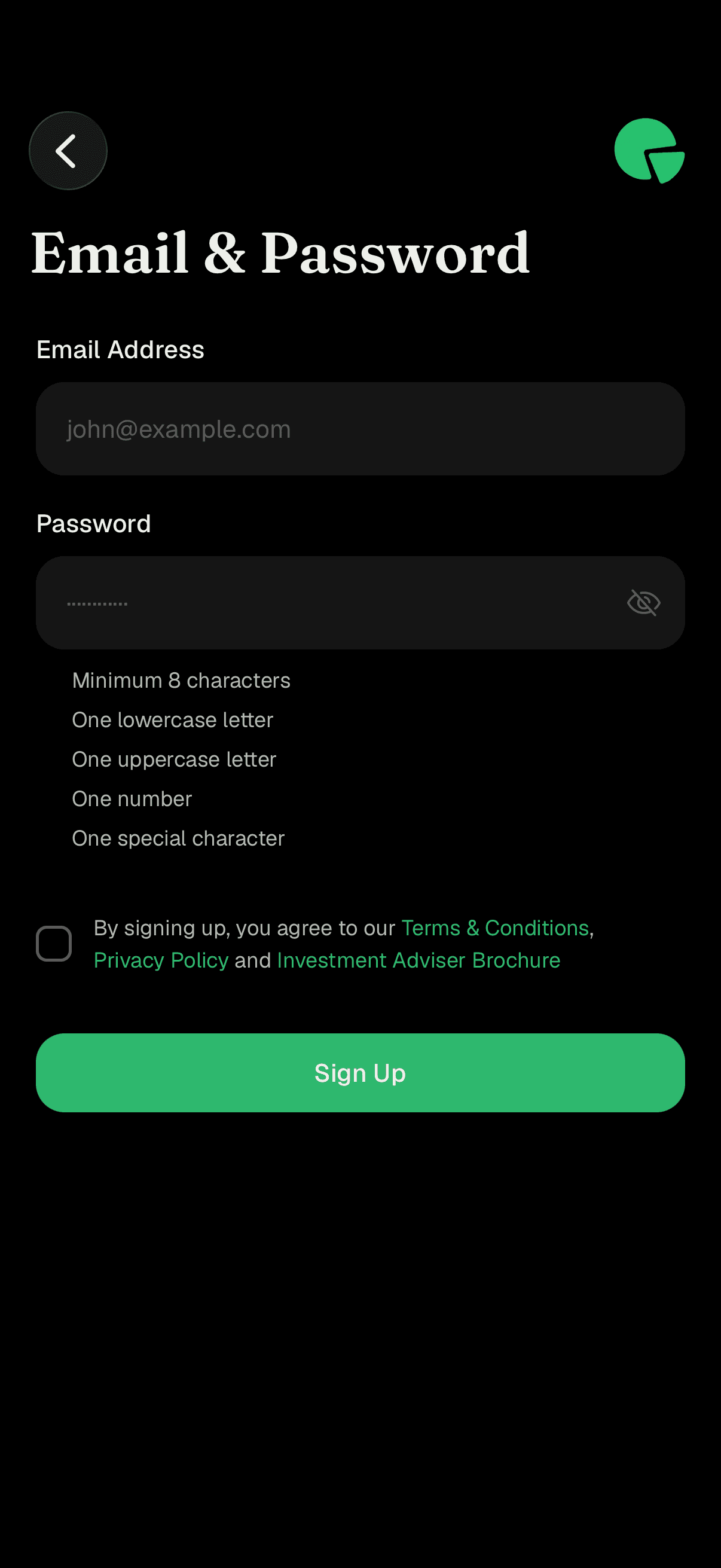
Email and Password screen with the password rules checklist -
Tick the box agreeing to the Terms & Conditions, Privacy Policy, and Investment Adviser Brochure. You can tap any of those links to read them first.
-
Tap Sign Up.
Verifying your email with a code
-
PiTrade sends a 6-digit verification code to your email and opens the Confirm Code screen. Open your email, find the code, and enter it. The screen tells you which email it was sent to, and reminds you to check your spam folder if you don't see it.
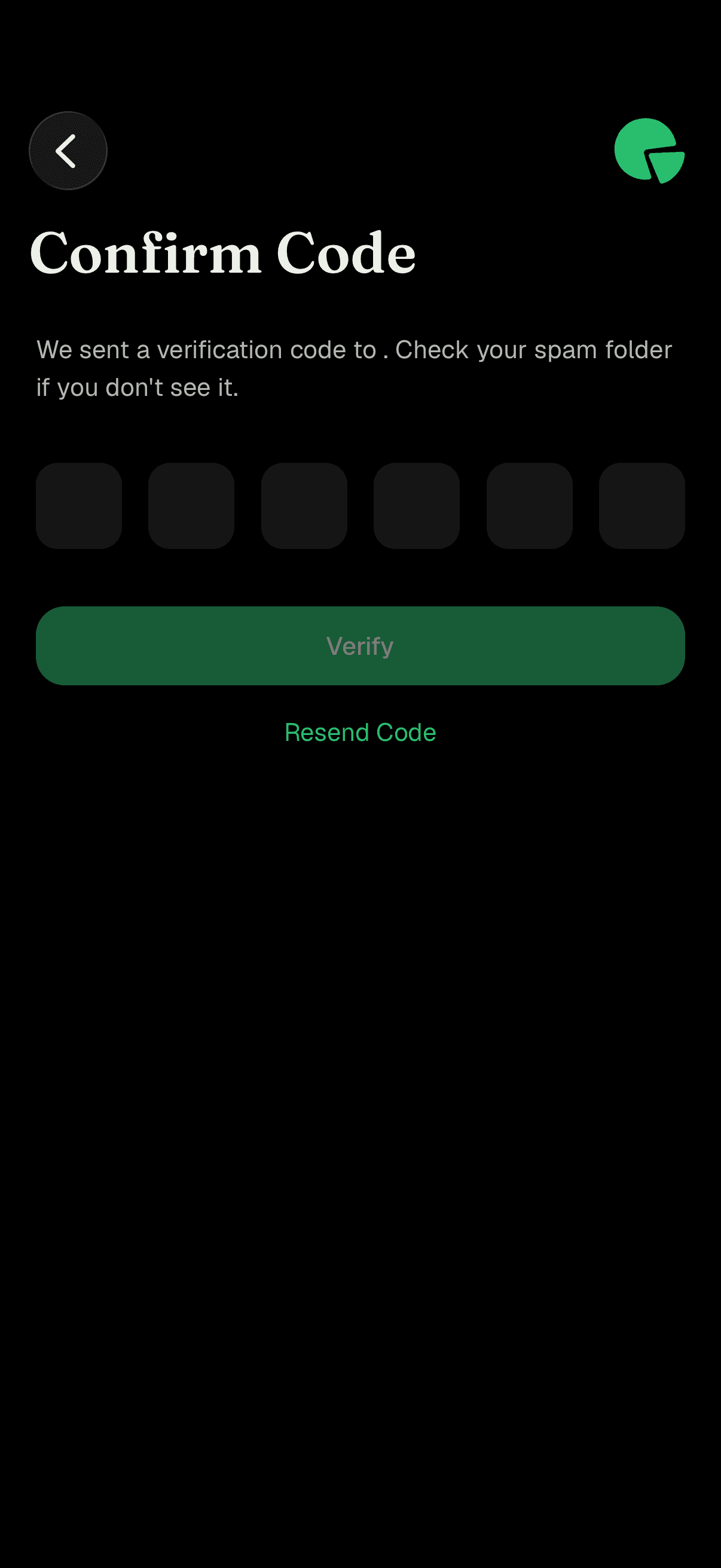
Confirm Code screen with six code boxes -
The code verifies automatically once all six digits are entered, or you can tap Verify. If you didn't get the email, wait for the countdown to finish and tap Resend Code. Once verified, you're signed in and taken to the welcome tour.
Logging in day to day
-
If you already have an account, open PiTrade and tap Login (from the Sign Up screen, tap "Already have an account? Login"). On the Login screen, enter your Email Address and Password, then tap Login.
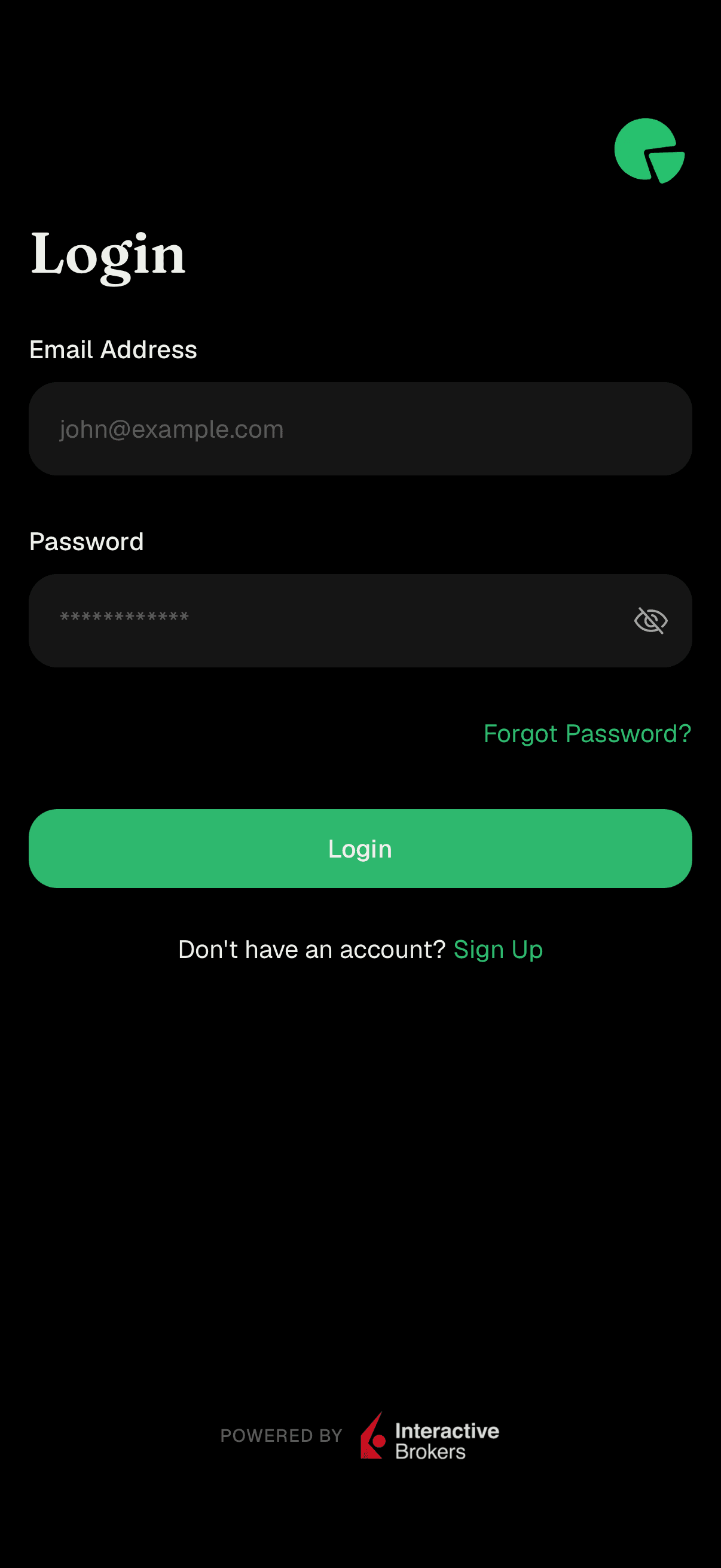
Login screen with email and password fields -
If two-factor authentication is turned on for your account, you'll be asked to confirm with a code from your authenticator app (or an email/text code). Enter the 6-digit code to finish signing in.
Resetting a forgotten password
-
On the Login screen, tap Forgot Password?
-
On the Reset Password screen, enter your Email Address and the New Password you'd like to use (it follows the same rules as sign-up, shown as a live checklist). Tap Reset Password.
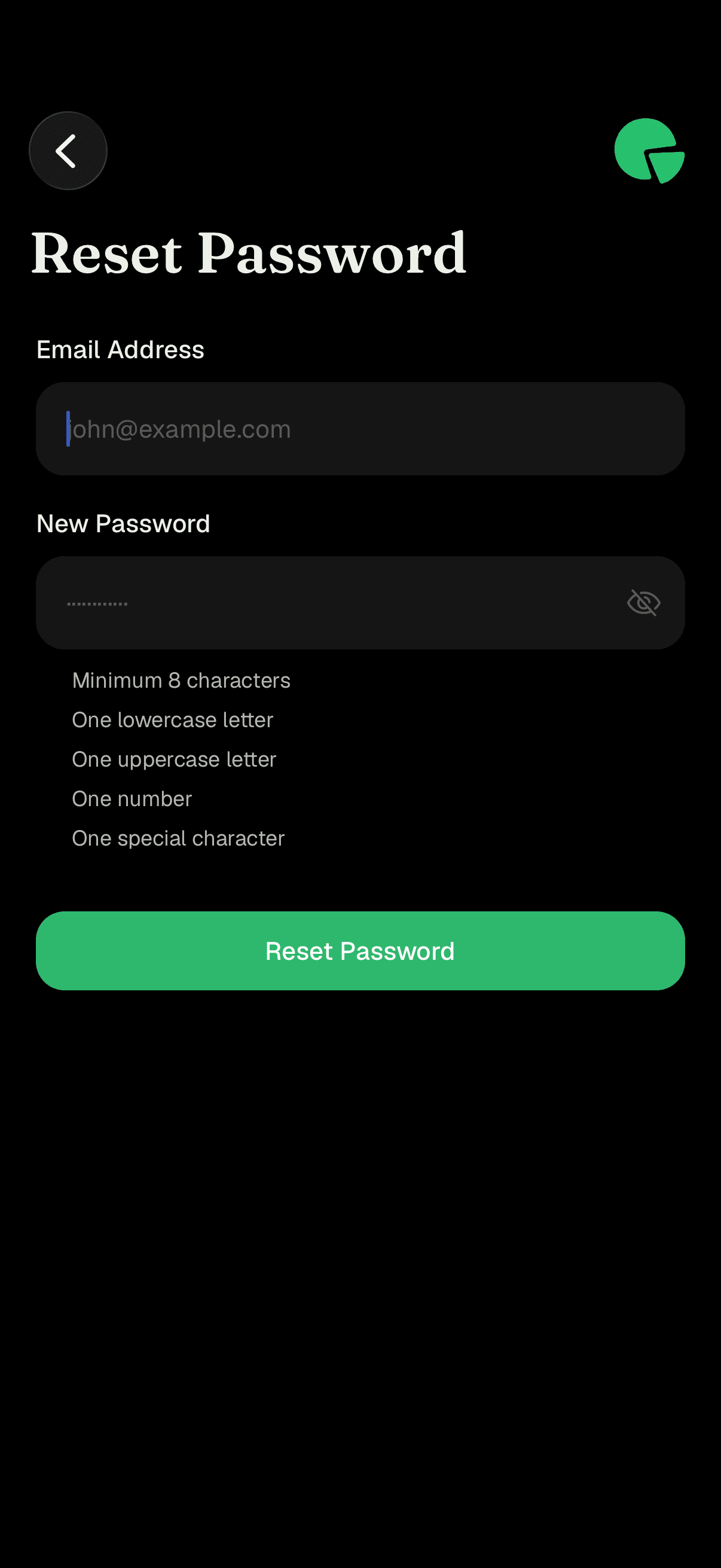
Reset Password screen with email and new password fields -
PiTrade emails you a 6-digit code and opens the Confirm Code screen. Enter the code to confirm. When it succeeds, you'll see "Password Reset Successful" and be returned to the Login screen, where you can sign in with your new password.
Tips
Your email is your login. Usernames are how other people find you in PiTrade; you sign in with your email address.
Passwords are case-sensitive. Use the eye icon to double-check before submitting.
The verification code is only 6 digits and expires - if it's been a while, tap Resend Code for a fresh one.
Codes can land in spam. If your inbox looks empty, check your spam or junk folder before requesting another.
Troubleshooting & FAQ
Check the live checklist under the password field. Every item must be met: minimum 8 characters, one lowercase letter, one uppercase letter, one number, and one special character.
Someone has already taken that username. Try adding numbers or a variation, then tap Continue again.
Check your spam or junk folder first. If it's still missing, wait for the countdown on the Confirm Code screen to finish, then tap Resend Code.
That means two-factor authentication is enabled on your account for extra protection. Enter the code from your authenticator app (or the email/text code) to continue. You can review this in the Security & Authentication article.
Finish or exit the sign-up flow and start again with the correct email, since your verification code is tied to the address you entered.
Double-check your email and password. If your password is incorrect you'll see an error message under the password field. If you've forgotten it, use Forgot Password? to reset it.