



Getting Started with PiTrade
Welcome to PiTrade - here's what the app does and the best order to set things up so you can start investing.
Overview
PiTrade is an investing app that helps you stop picking individual stocks one at a time and instead build or invest in whole portfolios. You get access to the US stock market from 192+ countries, with your trading account powered by Interactive Brokers. This article gives you the big picture: what the app looks like, how to move around it, and the recommended order for your first few steps.
Before you begin
- A phone or computer with the PiTrade app installed (or the PiTrade website open)
- An email address you can access to receive a verification code
- A few minutes to complete each setup step - you can pause and come back at any time
Steps
-
Create your account and sign in. The very first thing you'll do is sign up with your email and a password, pick a username, and verify your email with a 6-digit code. If you already have an account, just log in. See the Logging In article for the full walkthrough.
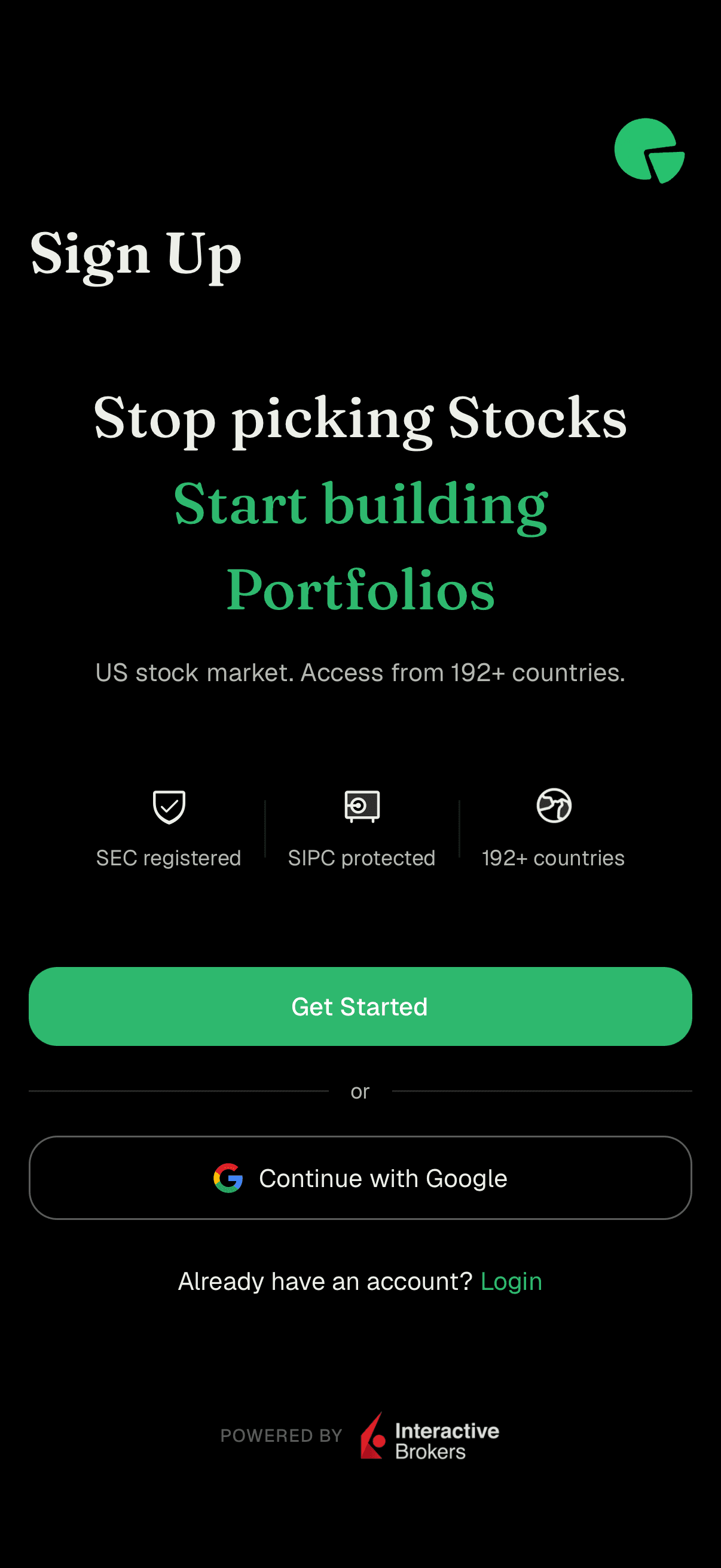
Sign Up welcome screen with Get Started button -
Take the quick welcome tour. Right after you verify your email, PiTrade shows a short introduction. It asks what success means to you (for example "Building wealth", "Saving for retirement", or "Creating passive income"), highlights the opportunity in US companies, and explains how portfolios work. Swipe through the cards or tap the round arrow button to move forward.
-
Meet the main tabs. Along the bottom of the app you'll find four tabs:
- Invest - your home base for discovering portfolios and strategizers to invest in. This is the tab the app opens to.
- Portfolio - where you track what you own, your balances, and any pending orders.
- Manage - where you build and adjust your own portfolios.
- Account - your profile, security, wallet, reports, settings, and help.
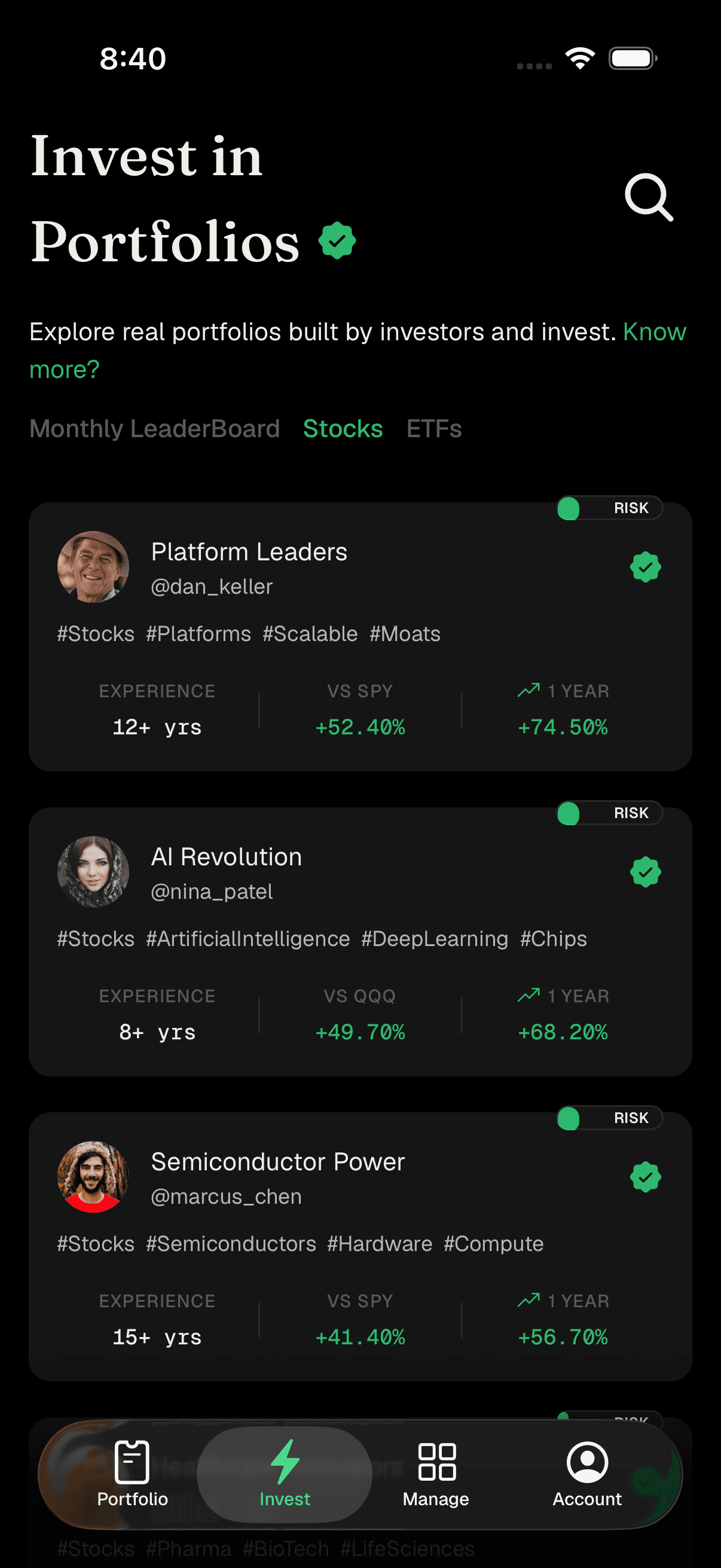
The four bottom tabs: Portfolio, Invest, Manage, and Account -
Set up your trading account. From the welcome tour, tap Create Your Trading Account (or tap Explore First to browse before committing). This opens the Account Setup screen, which shows your progress as a checklist:
- Personal Details - the basic info you gave at sign-up
- Investment Account Setup - verify your country of residence and complete your onboarding profile (personal, financial, and compliance details, plus agreements)
- Link Bank Account - add your bank for transfers (US residents)
- Add Funds / Wire Funds - put money into your account so you can invest
Tap Continue and PiTrade takes you to whichever step is next. See Setting Up Your Trading Account for onboarding details, and Funding Your Account for adding money.
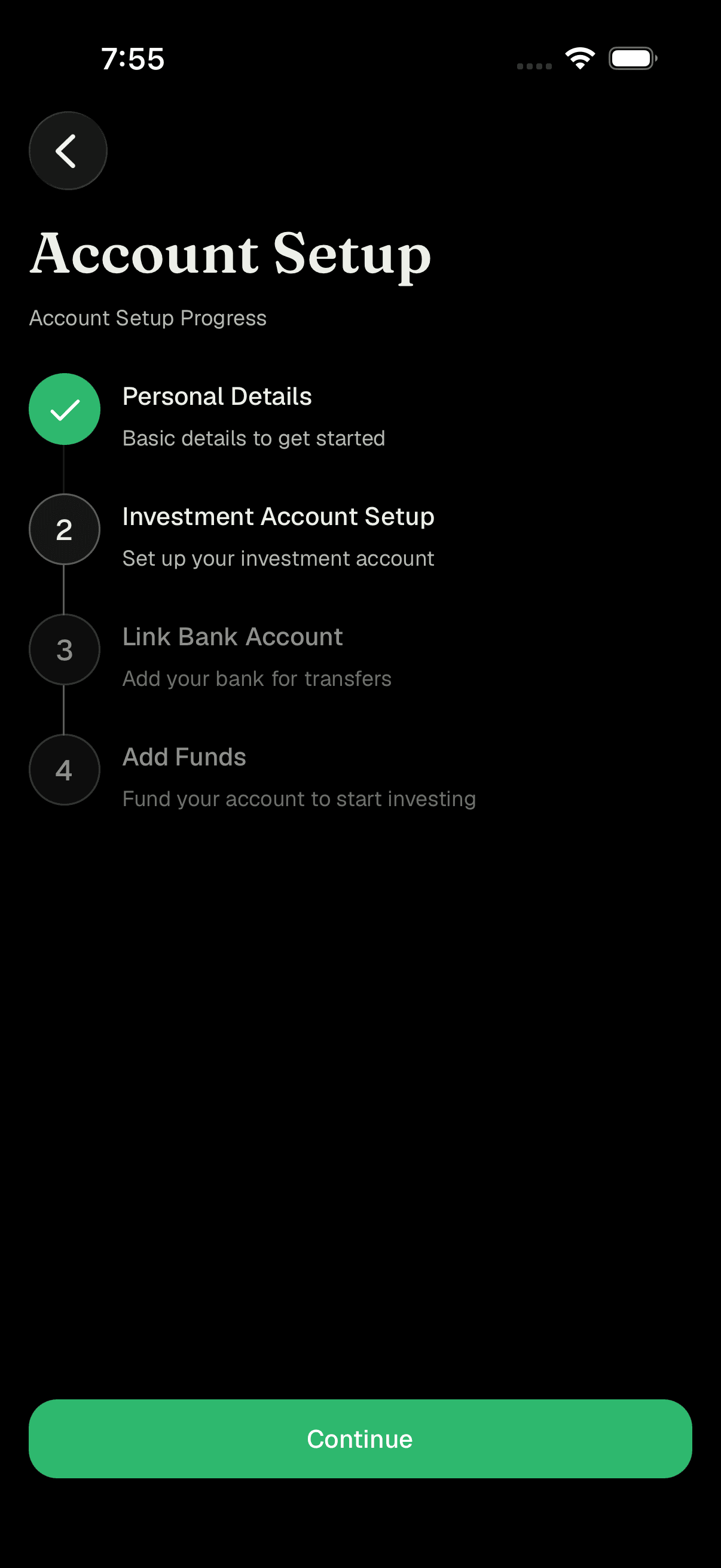
Account Setup progress checklist with numbered steps -
Fund your account. Once your investment account is approved and your bank is linked, add money so you have buying power. Your available balance appears next to Wallet on the Account tab.
-
Build or invest in a portfolio. With money in your account you're ready to invest:
- Invest in an existing portfolio - browse the Invest tab, find a portfolio whose approach you like, and invest directly in it. See Investing in a Strategizer Portfolio.
- Build your own - use the Manage tab to create a portfolio and choose what goes in it. See Creating a Portfolio.
Tips
You don't have to finish everything in one sitting. The Account Setup screen always remembers where you left off - just return to it and tap Continue.
Not ready to commit? Choose Explore First on the welcome tour to browse portfolios and strategizers before opening your trading account.
A number badge on the Account tab means you have notifications or a task waiting - tap the bell icon on the Account screen to see what needs your attention.
Your investing experience is tailored to your country. If you're outside the US, some steps (like linking a bank vs. wiring funds) will look a little different, and that's expected.
Tap your profile photo circle on the Account tab to add or change your picture.
Troubleshooting & FAQ
The app opens on the Invest tab so you can explore right away. When you're ready to set up your account, head to the Account tab or follow the Continue button on the Account Setup screen.
No. You can explore portfolios and strategizers any time. You only need funds when you're ready to actually invest.
Your trading account is powered by Interactive Brokers, a well-established broker. You'll see the "Powered by Interactive Brokers" note on the sign-up and login screens.
Yes. PiTrade supports investors in 192+ countries. During setup you'll confirm your country of legal residence, and the app adjusts the funding and account steps accordingly.
Absolutely. The goals you tap during the welcome tour are just there to personalize your experience - they don't lock you into anything.